Play with the Ricky Casino App-Style Mobile Experience
Quick mobile play. That's the point. From your first tap, we keep the ricky casino app vibe clean and simple, and we keep ricky casino mobile pages light so you're not waiting around on 4G or hotel Wi‑Fi.
We've been operating since 2020, and we've leaned hard into mobile-first habits for 2026: PWA install, device biometrics where supported, and support that actually answers. Our help team is available 24/7 via live chat and email, and we run under a Curaçao licence. We also work with audited studios and publish key game info like RTP where available. No fluff. Just practical mobile play.
Want the shortcut on your home screen? Do it in under 30 seconds, in most cases. Then you're one tap away.
Get Started NowOur Ricky Casino Mobile Experience
We've built our ricky casino mobile experience for quick play on the go. It's made for thumbs, not desktop mice. Menus stay tidy, key actions are close, and you can jump between titles without the page feeling heavy.
A small thing, but it matters: we keep wording plain. Bonus rules, ID checks, and safety tools shouldn't read like homework. Honestly, we hate that too.
We Run on Mobile Web + PWA Install
No app store needed.
We run in your mobile browser, with a PWA option that behaves like an app once installed. It opens fast, sits on your home screen, and stays focused—less clutter, fewer distractions.
PWA also means faster updates. We can improve things on our side without asking you to download a new version every time. Pretty handy.
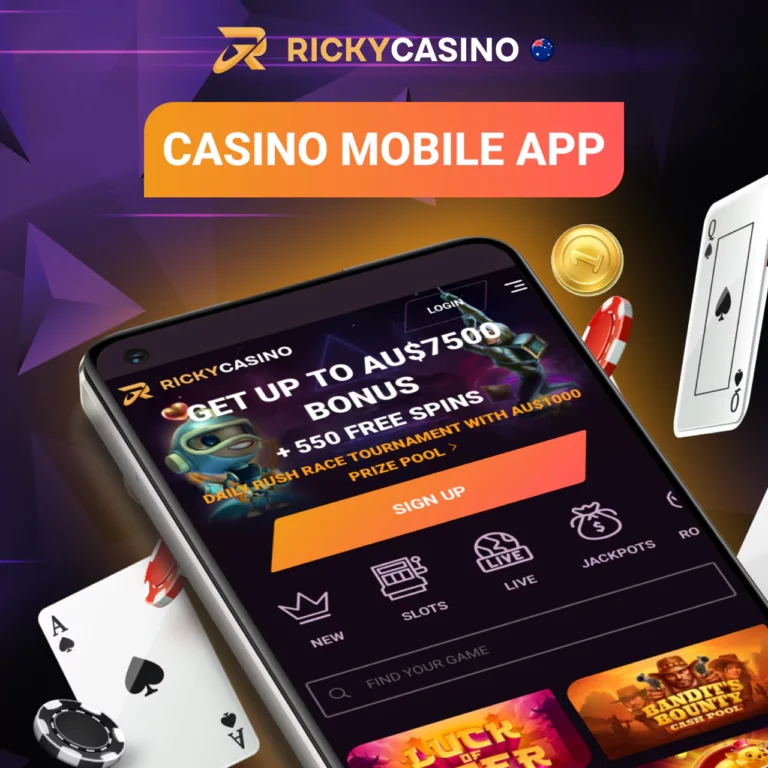
What You Can Do on Mobile
On your phone, you can do the stuff you actually came for:
- Browse and search titles quickly
- Save favourites (so you don't lose that one you liked)
- Use the cashier, check promos, and track progress
- Contact support while you're mid-session
- Manage limits and safer-play tools
And yes, live tables are built for touch screens. It just feels right.
How to Get Our Ricky Casino App on Your Phone
If you're looking for a ricky casino app feel, we let you install our site to your home screen in seconds. It's basically a shortcut plus a few app-like extras, powered by PWA tech.
Some people expect an App Store listing. In this space, that's not always how it works. And that's normal.
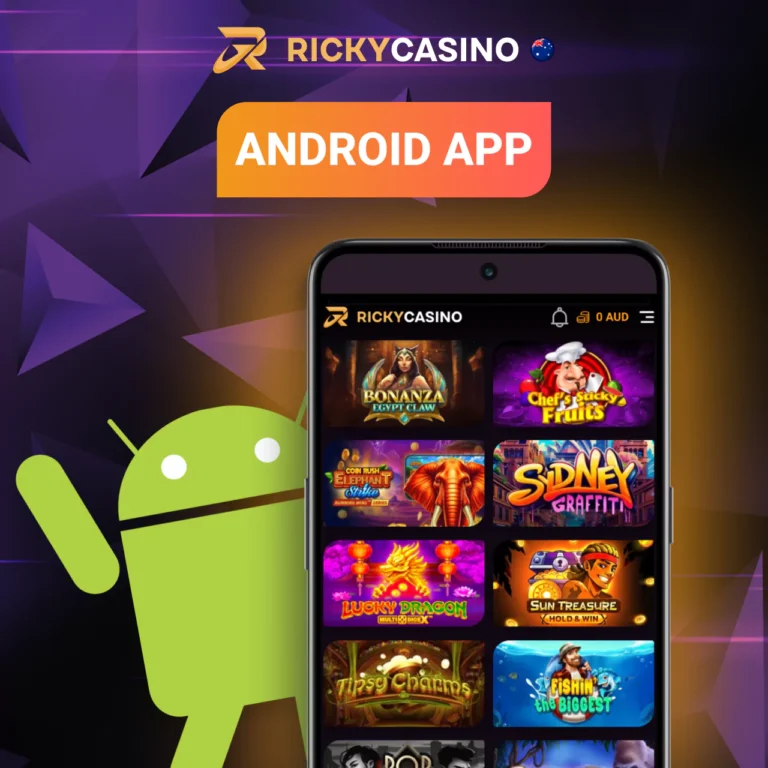
Android: Install to Home Screen
Open our site in Chrome or Edge on your Android device, then look for the install prompt or tap the menu icon. Choose Install or Add to Home Screen, confirm the name, and you're set. One tap from your home screen next time.
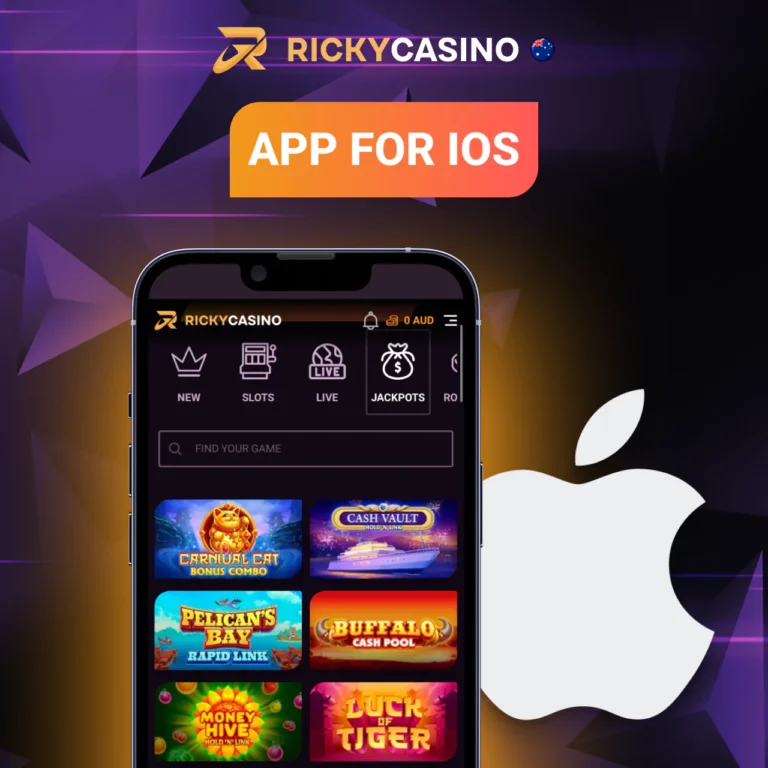
iPhone/iPad: Add to Home Screen
On iPhone or iPad, open our site in Safari, tap the Share icon, then choose Add to Home Screen. Confirm the name and save it. After that, you can open us like an app.
No App Store? That's Normal for PWA
Keep it simple. Do this:
- Open our site in your browser (Chrome/Edge on Android, Safari on iOS).
- Look for the install prompt (or the menu icon).
- Tap Install / Add to Home Screen.
- Confirm the name and add the icon.
- Open from your home screen next time—one tap.
- (Optional) Allow notifications if you want promo pings.
- If you don't see it, update your browser and try again.
That's it.
Install NowMobile System Requirements We Recommend
Most modern phones are fine. Older devices can be… temperamental. Is it perfect? Maybe not on older phones. We'll help you tune it.
You don't need a gaming phone. You do need a decent connection and an up-to-date browser.
Android Versions & Browsers We Support
For Android, we usually see the smoothest results on recent versions with:
- Chrome or Edge (best for PWA Install)
- A current Android OS (security patches matter)
- Enough free storage for cached files
If your phone is a few years old, it can still work. It just might feel slower when you run lots of tabs.
iOS/iPadOS Versions & Safari Settings
On iPhone and iPad, Safari is the cleanest path for Add to Home Screen. In Safari, keep cookies enabled and avoid overly strict content blockers if they break buttons.
If you're using a different browser on iOS, you can still play, but the PWA install flow is usually simplest through Safari. Yep, Apple stuff.
Storage, Data, and Battery Tips
Quick tips. Nothing fancy.
- Keep at least 500 MB free storage so caching doesn't choke
- Use Wi‑Fi for live streams if you can
- Low Power Mode can reduce performance (try turning it off mid-session)
- Close other heavy apps if your phone gets warm
Small changes. Big difference.
Why You'll Like Playing on Ricky Casino Mobile
Look, mobile play should feel easy. We keep it that way. Our pages are built to load quickly, our layout is thumb-friendly, and we try not to bury the important stuff three menus deep.
Also, we don't pretend every network is perfect. Mobile coverage varies suburb to suburb in Australia, and that's just reality. So we design for "good enough" connections, not only perfect ones.
What you get on your phone:
- Fast-loading pages that don't chew through data like crazy
- Touch-first controls for spins, bets, and table actions
- Portrait and landscape support (some titles feel better sideways)
- PWA install so you can open us like an app, without a store download
- Optional notifications for promos and updates (only if you enable them)
- 24/7 live chat and email support when something feels off
And yeah, trust matters. We operate under a Curaçao licence, use SSL encryption, and offer 2FA options so you can tighten security if you want to. Solid basics. No drama.
We Keep Pages Fast and Lightweight
We keep files small where we can, reduce unnecessary animations, and prioritise the stuff you actually tap. On mobile, speed isn't a luxury. It's the whole deal.
We Support Touch Controls and Portrait/Landscape
Some players like one-handed portrait play on the train. Others rotate for live tables. We support both, and we test for real phone usage—fat thumbs included.
We Offer Mobile-Friendly Promos & Notifications
If you enable notifications, we can ping you about promo drops, new releases, or account reminders. If you don't enable them, we stay quiet. Honestly, that's fair.
Games You Can Play on Mobile with Us
We offer 3,000+ mobile-optimised games. That's a lot, but the main thing is: they run properly on a phone. We filter for mobile support and we keep the lobby quick to navigate.
You'll see familiar categories, plus newer formats that suit short sessions. Waiting for a mate? Two minutes to spare? Mobile is made for that.
A quick snapshot of what you can play:
- Pokie-style reels: 2,400+ titles
- Table classics (roulette, blackjack, baccarat): 220+ variants
- Live dealer rooms: 80+ tables and shows
- Crash and fast rounds: 35+ games
- Instant-win and scratch-style: 120+ options
- Jackpot selections: 150+ games (availability depends on region and rules)
We keep adding new titles through the year. Some studios push updates weekly, and you'll feel that freshness on mobile.
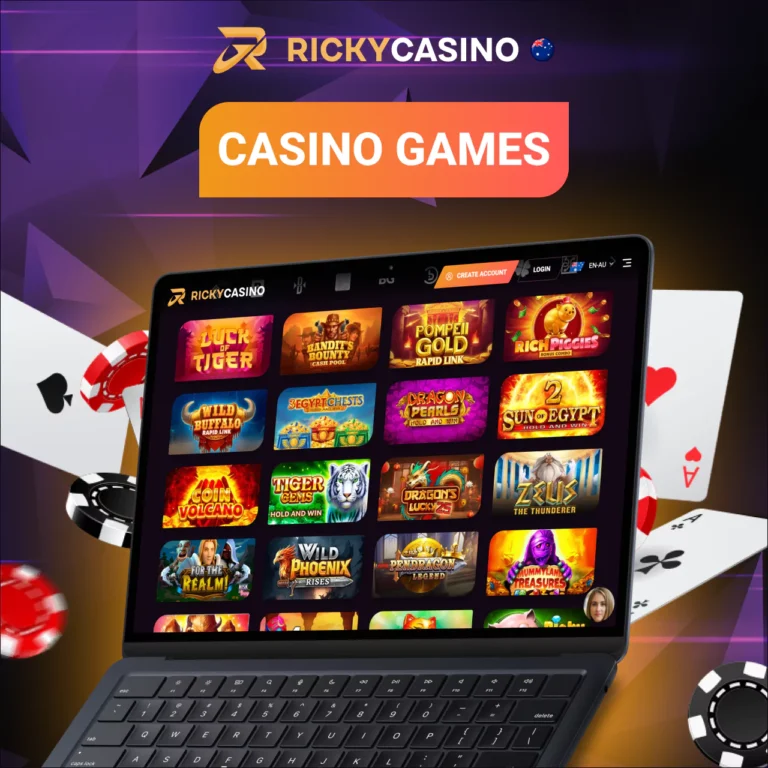
Slots, Live Dealer, Table Games, Crash
Live is a different beast. It uses streaming, so it depends more on your network. On decent 4G/5G or Wi‑Fi, it's usually smooth. On shaky connections, you might see quality drop to stay stable. That's normal.
Crash games are the opposite—quick loading, quick rounds, lots of taps. If you like rapid play, you'll probably end up there.
Demo Mode vs Real Money
Some titles offer demo mode so you can test mechanics and volatility. Others don't, usually because of provider rules or game type (live tables often require real play). Availability can vary on mobile versus desktop, but we try to keep it consistent.
Browse Mobile GamesOur Game Partners
We don't build every game ourselves. We partner with studios that know what they're doing, and we focus on mobile compatibility and clear game info.
You'll see names that have been around for years, plus newer developers with fresh mechanics.
We Work With Recognised Studios
Our line-up includes providers such as:
- NetEnt
- Microgaming
- Play'n GO
- Pragmatic Play
- Evolution
- Playtech
- Quickspin
- Red Tiger
- Yggdrasil
Provider availability can change by region, but we keep the lobby updated so you're not chasing dead links. Annoying, right?
How We Keep Games Fair
Fair play is non-negotiable. We use RNG-based games where outcomes are generated randomly, and independent testing is used/available where applicable through labs such as iTech Labs and eCOGRA (depending on the studio and title).
We also show RTP info where available. If a provider supplies it, we surface it. Simple.
Mobile Bonuses and Promo Rules
We like promos. You probably do too. But we keep the rules readable, because the fine print is where people get burned.
Our approach on mobile is straightforward: you can claim offers, track progress, and see key terms without pinching and zooming a tiny wall of text. Also, we keep reminders visible—wagering, max bet, time limits. Stuff that actually matters.
Below is an example of how we present common offer types. Exact promos can change, so always check the current terms in the promo card before you claim.
Welcome Offer on Mobile
New to us? The welcome bonus is available on mobile, and it typically works the same way as on desktop. Claim, meet the minimum, and your bonus tracks automatically.
Free Spins & Wagering
We sometimes add free spins to selected promos. Wagering is the "playthrough" requirement before certain bonus funds can be converted to cashable balance. So yeah, you might need to wager 30x or 40x, depending on the offer.
If you ever feel unsure, ask support before you start. That's what we're here for.
Max Bet and Contribution Rules
Max bet rules exist to keep promos fair. If an offer says "max bet A$5", don't go over it while wagering. It can void bonus winnings. Harsh, but it's a standard rule.
Contribution rules can also apply. Some game types may count less than 100% toward wagering. We show this in the promo terms so you're not guessing.
| Offer | Min deposit | Bonus value | Wagering | Time limit | Max bet |
|---|---|---|---|---|---|
| Mobile Welcome Bonus | A$20 | 100% up to A$500 | 35x | 7 days | A$5 |
| Free Spins Drop | A$10 | 50 spins | 40x winnings | 3 days | A$2 |
| Weekend Reload | A$30 | 50% up to A$200 | 30x | 48 hours | A$10 |
Payments on Mobile
On mobile, payments should be quick to start and easy to track. We keep the cashier layout clean, and we aim to show fees and limits upfront.
A heads-up though: processing time can depend on your chosen method, your bank, and whether your account is verified. Usually it's smooth. Sometimes it needs a check. That's just how compliance works in 2026.
Deposit Options You Can Use on Mobile
In our mobile cashier, you'll typically see options like:
- Visa / Mastercard
- PayID (where available)
- Apple Pay (supported banks only)
- Google Pay (supported banks only, common on Android)
- Bank transfer
- Selected e-wallets (availability varies)
- Crypto options (where offered and permitted)
We keep it phone-friendly: big buttons, clear steps, and no weird pop-ups.
Withdrawal Processing Times
We won't promise "instant". Realistically, most cashout requests are reviewed first, especially early on. After that, processing is often faster, depending on method and checks.
If you want fewer delays, verify early. Seriously.
Fees and Limits
We try to keep fees low and obvious. Some methods may carry third‑party fees (bank or wallet side). Limits also vary by method and player status. We show the numbers in the cashier before you confirm.
| Method | Min | Max | Fees | Typical processing time |
|---|---|---|---|---|
| Visa / Mastercard | A$10 | A$5,000 | Usually none from us | Minutes to a few hours |
| PayID | A$10 | A$10,000 | Usually none | Minutes to a few hours |
| Apple Pay | A$10 | A$3,000 | Usually none | Minutes |
| Google Pay | A$10 | A$3,000 | Usually none | Minutes |
| Bank transfer | A$20 | A$20,000 | Bank may apply | 1–3 business days |
| E-wallet | A$10 | A$10,000 | Varies | A few hours to 24 hours |
| Crypto | A$20 | A$50,000 | Network fee | Often under 1 hour |
How Fast Can You Start Playing on Mobile?
Fast setup matters. You're on your phone, you've got a minute, and you want to play—not wrestle forms.
We keep registration short, and we'll guide you if something looks confusing. Pretty much the whole goal.
Create Your Account in Minutes
Registration is quick on mobile. Fill in the basics, confirm your details, and you're ready to go. No long forms, no unnecessary steps.
Verify Once to Avoid Delays Later
Get your verification done early. Upload your documents when prompted, and future cashouts won't be held up waiting for checks.
A typical start-to-play flow looks like this:
- Open our site on mobile (or open the PWA icon if you installed it).
- Create your account and confirm your details.
- Choose a payment method that suits you on your phone.
- Add funds, then pick a game and start playing.
- Set limits if you want guardrails from the start.
- If prompted, complete verification so future cashouts aren't held up.
Quick. Practical. Done.
Create Your AccountMobile Login Help
If login gets weird, it's usually one of a few things: saved passwords, browser cookies, or a spotty connection. Annoying, but fixable.
We keep support available 24/7, so you're not stuck waiting until "business hours". And yes, we can walk you through it on chat.
Password Reset on Mobile
If you forgot your password, use the reset link and follow the email steps. Keep an eye on junk folders. It happens.
If your phone auto-fills the wrong password, delete the saved entry and try again. Honestly, auto-fill causes half the drama.
Browser Cache/Cookies Quick Fix
A quick fix that works more often than you'd think:
- Clear cache/cookies for your browser
- Close the tab completely
- Reopen and try again
If you're using the PWA, try opening in the browser once, then return to the installed icon. Sounds odd. Works.
When to Contact Us
If you're locked out, seeing error messages, or you suspect someone else accessed your account, contact us right away via live chat. You can also email us if you prefer. We'll verify details and help secure things.
Security on Ricky Casino Mobile
Security shouldn't feel like a chore. But it should be there, quietly doing its job while you play.
We use SSL encryption to protect data in transit, and we support 2FA so you can add a second step to login. On some devices, you can also use biometrics (Face ID or fingerprint) through your phone's own security features. Device-dependent, but handy.
And we keep an eye on account activity patterns. If something looks off, we may ask you to confirm it's really you. Slightly inconvenient. Safer, though.
SSL Encryption and Data Protection
SSL encryption helps protect your details as they move between your phone and our servers. We also limit internal access and use standard data protection practices, so not every staff member can see sensitive info. Basic, but important.
2FA and Biometrics
2FA is there if you want extra protection. Turn it on, save backup codes, and you've lowered the risk of password reuse issues. Biometrics can also help on your end—lock screen on, fingerprint enabled, all that boring stuff that actually works.
Safer Sessions on Public Wi‑Fi
Public Wi‑Fi is a mixed bag. If you're playing at an airport or café:
- Avoid shared devices
- Don't save passwords on a borrowed phone
- Log out when you're done
- Consider mobile data for sensitive actions
Small habits. Big safety boost.
Responsible Gaming on Mobile
Mobile play is convenient, which is kind of the problem sometimes. So we build in tools that let you stay in control, especially if you're playing in short bursts throughout the day.
We keep responsible gaming visible, not hidden. Because if you have to hunt for it, you probably won't use it.
18+ Only and Reality Checks
We're strictly 18+. We also offer reality checks so you can get time reminders while you play. They're simple pop-ups, but they do the job: they break the trance a bit. Honestly, that's the point.
Deposit/Loss/Session Limits We Offer
We let you set limits that match how you play:
- Deposit limits
- Loss limits
- Session time limits
- Cooling-off periods
Set them once, adjust when needed, and let the tool do the nagging. It's better than relying on willpower at 1am.
Self-Exclusion and Support Services
If you need a full break, we support self-exclusion. You can also reach out for help beyond our site. In Australia, services like Gambling Help Online can be a solid starting point for advice and support.
No judgement. Just support.
Australia Access Notes
If you're playing from Australia, you'll want things to feel local. That includes AUD display where applicable, reasonable mobile performance on local networks, and support that understands how Aussies actually use phones (lots of PayID, lots of iPhone, plenty of Android too).
And yes, mobile networks differ. City vs regional can be chalk and cheese.
Device, Browser, and Network Compatibility in AU
In Australia, most players are on recent iOS or Android devices, and that's what we design for. If you're on an older handset, performance may vary. Usually you can improve it by updating your browser, clearing cache, and keeping storage free.
If your network is patchy, stick to lighter games rather than live streaming. That's the practical move.
AUD Display and Local Preferences
Where available, we display balances and limits in AUD for easier budgeting. We also format dates in the familiar day/month style and keep support timing clear.
Simple stuff. But it helps.
Ricky Casino App & Mobile FAQ
Is there a real ricky casino app to download from the App Store or Google Play?
Usually, no. We offer an app-style experience through a PWA install instead, so you can add our icon to your home screen without using an app store. It's quick and it keeps updates easy.
How do we install the ricky casino app-style shortcut on Android?
Open our site in Chrome or Edge on Android, then tap Install or Add to Home Screen from the menu. Confirm, and you'll see the icon on your phone. Most installs take under 30 seconds.
How do we install on iPhone with Safari?
Open our site in Safari on your iPhone, tap the Share icon, then choose Add to Home Screen. Confirm the name and save it. After that, you can open us like an app.
Is ricky casino mobile safe on public Wi‑Fi?
It can be, but you should be careful. We use SSL encryption, and you can enable 2FA, but public Wi‑Fi still has risks. If you can, use mobile data for sensitive actions and log out when you finish.
Can we use biometrics like Face ID for faster access?
On supported devices, yes—your phone's biometric lock can make access quicker and safer. It depends on your device and settings. We also recommend 2FA for an extra layer.
Why is our PWA not showing an install button?
It's often a browser setting or an outdated browser version. Update your browser, then try again, and make sure you're not in private mode. If it still won't appear, our support team can guide you.
Do we publish RTP on mobile?
Where available, yes. We work with audited studios and show RTP details when the provider supplies them. Some titles don't display RTP in-game, but we surface info whenever we can.
Are live games heavier on data than regular games?
Yep, usually. Live streams can use more data and battery, especially on high quality settings. If you're on limited data, regular RNG titles are generally lighter.
Do bonus rules change on mobile?
Generally, no—the same bonus terms apply. But we present the rules in a mobile-friendly way so you can actually read them. Always check max bet and time limits before you start wagering.
What should we do if login keeps failing on mobile?
First, try a password reset and check saved passwords on your phone. Then clear cache/cookies and reopen the browser. If it still fails, contact us on live chat and we'll sort it out.
How do we contact support from a phone?
You can message us via live chat or email. Support is available 24/7, and we'll help with setup, payments, verification steps, or anything that feels off. Quick answers matter on mobile.
Mobile should feel easy. And honestly, it usually does with us. If you want the ricky casino mobile experience with an app-style home screen icon, install the PWA, jump in, and play when it suits you. One tap.
Play Now